Barion Pixel
Solution · Food truck

Roll out.
Switch on.
Sell.

POS, QR ordering, stock and reports on one tablet, in the browser. Tuned for the six situations that make every food truck's day hard.

No server in the truck: a tablet, a card terminal and mobile data are enough.

Illustration: the Kerék Bistro tablet at today's stop. Guests order from the QR code and pay online, so their orders arrive in the queue already paid, next to the ones taken at the window. Each moves from New to Cooking to Ready. At the top: today's orders, the share that came via QR and today's sales. Next to it, the guest's phone shows that the order is being made, then that it's ready to pick up at the window.
01. On the road

Six situations every food truck owner knows.

For each one, a simple example shows what Qriosum does. The examples are live: go ahead and click.

  1. 01 Lunch rush
  2. 02 One-person shift
  3. 03 Tight space, patchy signal
  4. 04 Which spot?
  5. 05 Ingredients
  6. 06 Returning guests
01Lunch rush

You have two hours to make the day, and the queue won't wait.

Most of the trade comes between 11:30 and 14:00. If the queue is long, new guests walk on. The bottleneck then isn't the grill but taking orders and payments at the window.

How Qriosum solves it

Guests order and pay on their phone while still in the queue.

A QR code on the side of the truck: the guest scans it, picks the lángos (fried flatbread), pays, and comes to the window when it's ready. Meanwhile you're handing out food, not taking orders.

QR menu & ordering: details

Lunch rush 11:30–14:00 · illustration

How many orders go out the window?

If people can only order at the window, taking orders and payments is the bottleneck: service hits a ceiling. With QR ordering, guests order and pay on their phone while still in the queue, and you just cook and hand out. Then the kitchen's pace counts, not the till's.

Window only: 112 orders served, 16 minutes average wait, 27 guests left the queue. Illustration.
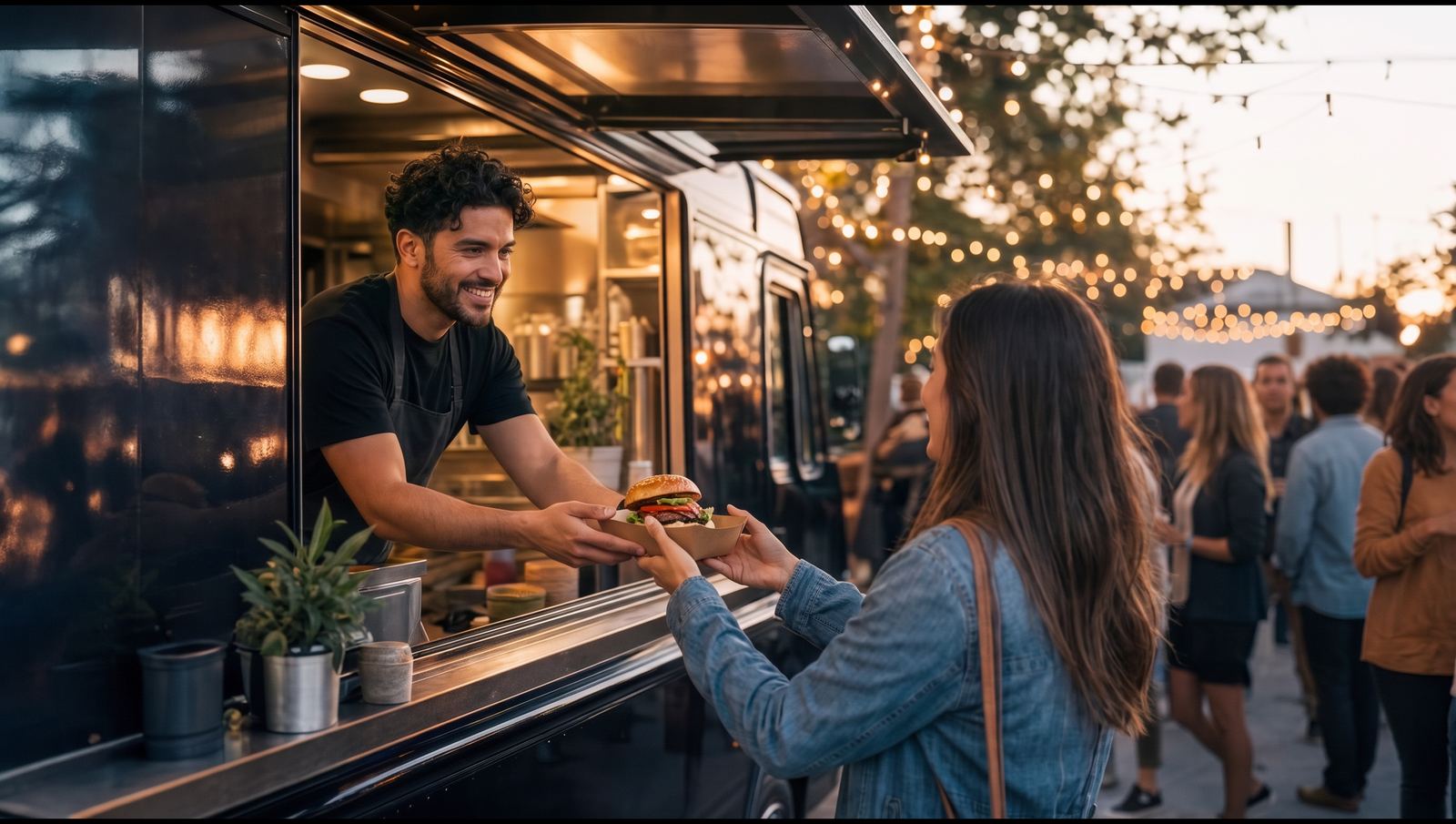
Illustration of a food truck's lunch rush between 11:30 and 14:00, orders served per 10 minutes. If people can only order at the window, service stalls at 9 orders per 10 minutes: you serve 112 orders in total, the average wait is 16 minutes, and 27 guests leave the queue. With the window plus QR ordering, the peak is 13 orders per 10 minutes, 141 orders in total, a 9-minute wait and 7 guests leaving.
02One-person shift

You're alone: taking orders, cooking and taking payment, all at once.

Most trucks have one or two people working, and good help is hard to find. Every order you have to ask about again and every banknote you handle slows you down.

How Qriosum solves it

Orders come in on their own; you just move them along.

An order from the QR code, already paid, appears on the tablet. One tap and it's being made. Another, and it's ready: the guest sees it on their phone too.

POS system: details

Orders · try it

Tap an order and it moves to the next column.

Orders from the QR code arrive already paid, on their own.

New2
Cooking2
Ready1
#046QRGarlic lángos Paid

An order screen you can try, with three columns: Awaiting acceptance, Being prepared, Ready. Orders placed by QR code arrive already paid, on their own. The button on an order moves it to the next column. Next to it, the guest's phone shows the order's status.
03Tight space, patchy signal

There's no room for a till, and the signal is different at every spot.

The counter is a narrow shelf under the window. Every cable and box is in the way, and whatever has to be set up again at every pop-up will fail one day.

How Qriosum solves it

A tablet, a card terminal and a mobile hotspot are enough.

Qriosum runs in the browser, with no server in the truck. You need a cash register where you issue receipts. It needs internet, but a phone hotspot is plenty.

Devices: details

Packing list · illustration

What fits on your counter?

  • POS PC with monitorNeeds a fixed spot and power
  • Local serverSpace, power and ventilation in the truck
  • Router, power strip, cablesEvery device has to be wired up
  • Customer displayA separate screen facing the guest
  • Cash registerFor the receipt
  • Card terminalFor card payments
On-site installation Service visits when something breaks

Signal: Qriosum runs in the browser, on mobile internet. A phone hotspot is enough. You can't sell with it without internet, so take a backup hotspot from another carrier to places with weak signal.

Illustration: a food truck's counter. With a traditional POS, the POS PC, server, customer display, cabling, cash register and card terminal take up 78 percent of the counter. With Qriosum you need a tablet, a card terminal and, where required, a cash register: 18 percent, and a phone hotspot provides the internet.
04Which spot?

Office park on Monday, market on Saturday. But which one really makes the money?

Every pop-up has a cost: pitch fee, fuel, prep. The till rolls won't tell you on which day, in which hour and with which product you earned.

How Qriosum solves it

You see by day, hour and product where it's worth parking.

If you're somewhere else every day, the report's days are your locations. You pick the Saturday market: you see the peak hour, the average receipt value and the three best products, and compare them with Monday's office park.

Reports: details

Stops · illustration

Which stop brings in the money?

The report breaks sales down by day of the week. You're somewhere else every day, so the day is also the stop.

Friday, Food truck night: revenue 1,141,000 Ft, peak 19–20, average receipt value 4,257 Ft, top products: Double smash burger 428,600 Ft, Smash burger 286,400 Ft, Craft beer 0.33 174,800 Ft.

Illustration: a food truck's revenue at four stops over the last 4 weeks, broken down by day of the week, because it parks somewhere different each day. Choose a stop to see its hourly revenue, average receipt value and the three products that brought in the most.
05Ingredients

Ingredients keep getting pricier, and a truck has no room for spare stock or waste.

If the cheddar runs out at peak time, that's a lost sale. If you bring too much, the fridge is full and the rest ends up in the bin.

How Qriosum solves it

Every sale deducts the recipe from stock.

One smash burger: one bun, two patties, two slices of cheddar. You sell it, and stock goes down on its own. For whatever drops below the minimum, the system prepares an order suggestion.

Inventory: details

Stock · illustration

Every burger deducts its own recipe.

Smash burger

Recipe · 1 serving

  • Brioche bun1 pcs
  • Beef patty 90 g2 pcs
  • Cheddar2 slices
  • Burger sauce30 g

To restock for tomorrow

Automatic

Whatever reached its stock level goes onto the draft supplier order overnight.

  • Cheddar4 packs

Illustration: a Smash burger's recipe and the stock of its ingredients in the food truck. Every sale deducts the recipe from stock, from the oldest purchase lot first (FIFO), and shows how much stock the sale took. Whatever drops below its stock level goes onto tomorrow's automatic draft supplier order.
06Returning guests

The guest loved the food but doesn't know where you'll be next week.

The truck moves, and regulars can't find you. What comes on its own for a restaurant, you have to win again every week.

How Qriosum solves it

After ordering, guests get a reason to come back.

After payment, a return coupon with its own code appears on their phone, or your social page, where they can see where you'll be next.

Loyalty program: details

End screen · illustration

After the order, one more reason to come back.

Follow us!

Offers and news first-hand.

Store setting

Screen mix

  • Social follow60%
  • Return coupon10%
  • Rating20%
  • Nothing, straight to the order10%

Each guest gets one screen, in the proportions above. At most one every 3 hours per phone.

The buttons lead to your business's social links. Where you post your weekly route, guests see where you'll be next.

Illustration: the guest's phone after a QR order. The end screen can be a social follow, a unique return coupon or a rating request, and the business sets the share of guests who get each screen.
A food truck owner hands a burger to a guest from the window, under evening string lights

Every location is different. Let your system be the constant.

At the market, in the office park, at the festival: the same menu, the same POS, the same numbers.

02. Getting started

Three steps to your first pop-up

You don't get a project. You get a working system before you next roll out.

  1. Step 1

    Demo

    In one hour we show you live how it would work for you, with your own menu and locations.

  2. Step 2

    Setup

    Products, recipes, prices and the QR code for the side of the truck. We build the first configuration together with you.

  3. Step 3

    First pop-up

    We train you, and you can reach us during the first busy days if questions come up.

0.00/5Guest rating
0+Partner venues
0+Orders served

Real numbers from Qriosum partners

03. The package

What exactly do you get?

Everything you need to run your kitchen on wheels, in one account.

  • POS on a tablet or phone, in the browser
  • QR ordering and online payment from the queue
  • Orders on one screen, with statuses
  • Stock from recipes, deducted with every sale
  • Reports by day, hour and product
  • Return coupon and rating after the order
  • Card terminal and fiscal printer, if you need them
  • Support in Hungarian from day one
04. Questions

Frequently asked questions

What do I need on site?

Power and mobile internet. Qriosum runs in the browser on a tablet or phone, and a phone hotspot is enough. You can't sell without internet, so it's worth rolling out with spare data.

Does it handle several pop-ups?

Yes. In the reports you see sales by day and hour. If you have several trucks, each runs as a separate store in one account, and you see the big picture together.

Do guests have to download an app?

No. The QR code opens in the browser, with no download or sign-up.

I run the truck alone. Is this for me?

It's made for you: QR ordering takes order-taking and payment off your shoulders, so you can focus on cooking and handing out.

Can guests pay by card?

Yes. At the window guests pay with the card terminal, and those ordering by QR pay online, on their own phone.

How much does it cost?

At the demo you get an offer tailored to your truck, based on its size and needs.

Contact

Let's talk.

Got a question, or want to see it live? Book a free online demo, or write to us! We run hospitality venues ourselves, and we test the system in our own bar too. You get fast, personal, clear help straight from us, not through a ticket system.

Online demo

Book a time

In an online demo we show you what the system could do for you. Ask us anything.

  • 60 minutes
  • Google Meet
  • Budapest time

Pick a day and a time

Loading available times…
Message

Want to know more?

Leave a message, and we'll get back to you as soon as we can.

I accept the privacy policy*