Barion Pixel
Solution · Pub and beer bar

Pour.
Cheers.
Let nothing go down the drain.

POS, QR ordering from the table, bill splitting, keg stock and happy hour in one system, in the browser. Tuned for the six situations that make a pub's Friday night hard.

No server under the bar: all you need is a tablet, a card terminal and internet. Guests don't need to download an app either.

Illustration: the Komló Pub tablet on a Friday night. Six beers are on tap, each showing how many liters are left in the keg. Every 0.3 or 0.5 glass sold comes off the keg at its own size, whether it was rung up at the bar or ordered by a guest from the QR code. When a keg runs dry, the beer shows as sold out at the POS and in the guest's QR menu. At the top: liters poured today, orders from QR and today's sales.
01. The bar

Six situations every pub owner knows.

For each one, a simple example shows what Qriosum does. The examples are live: go ahead and click.

  1. 01 Friday night
  2. 02 Shared tab
  3. 03 Keg and glass
  4. 04 Behind the bar
  5. 05 Happy hour
  6. 06 Match night
01Friday night

They're three deep at the bar, and whoever can't get to it doesn't order.

The night is won or lost in two or three peak hours. The bartender pours while taking orders, adding up and taking payment, and every round is another queue. Whoever waits too long drinks their next beer somewhere else.

How Qriosum solves it

Guests order and pay from the table. The bartender pours.

There's a QR code on the table: the guest picks the beer and the size, pays on their phone, and the order arrives at the bar printer already paid, with the table number.

QR menu & ordering: details

QR ordering · table 7 · illustration

The table orders and pays. The bartender pours.

Komló PubTable 7 · the guest's phone
  • Komló PilsPils · 4.8%1,190 Ft
    2
  • House IPAIPA · 6.2%1,790 Ft
    1
  • Sour cherry sourSour · 5%1,290 Ft
    0
Total4,170 Ft
Bar printer2 tickets
  • #411 · Table 3 Paid
    • 2× Midnight stout 0.5 l
    • 1× Wheat beer 0.3 l
  • #410 · Table 12 Paid
    • 4× Komló Pils 0.5 l
    • 1× House IPA 0.3 l

Pick a size and a quantity, then pay: the ticket prints at the bar already paid, with the table number.

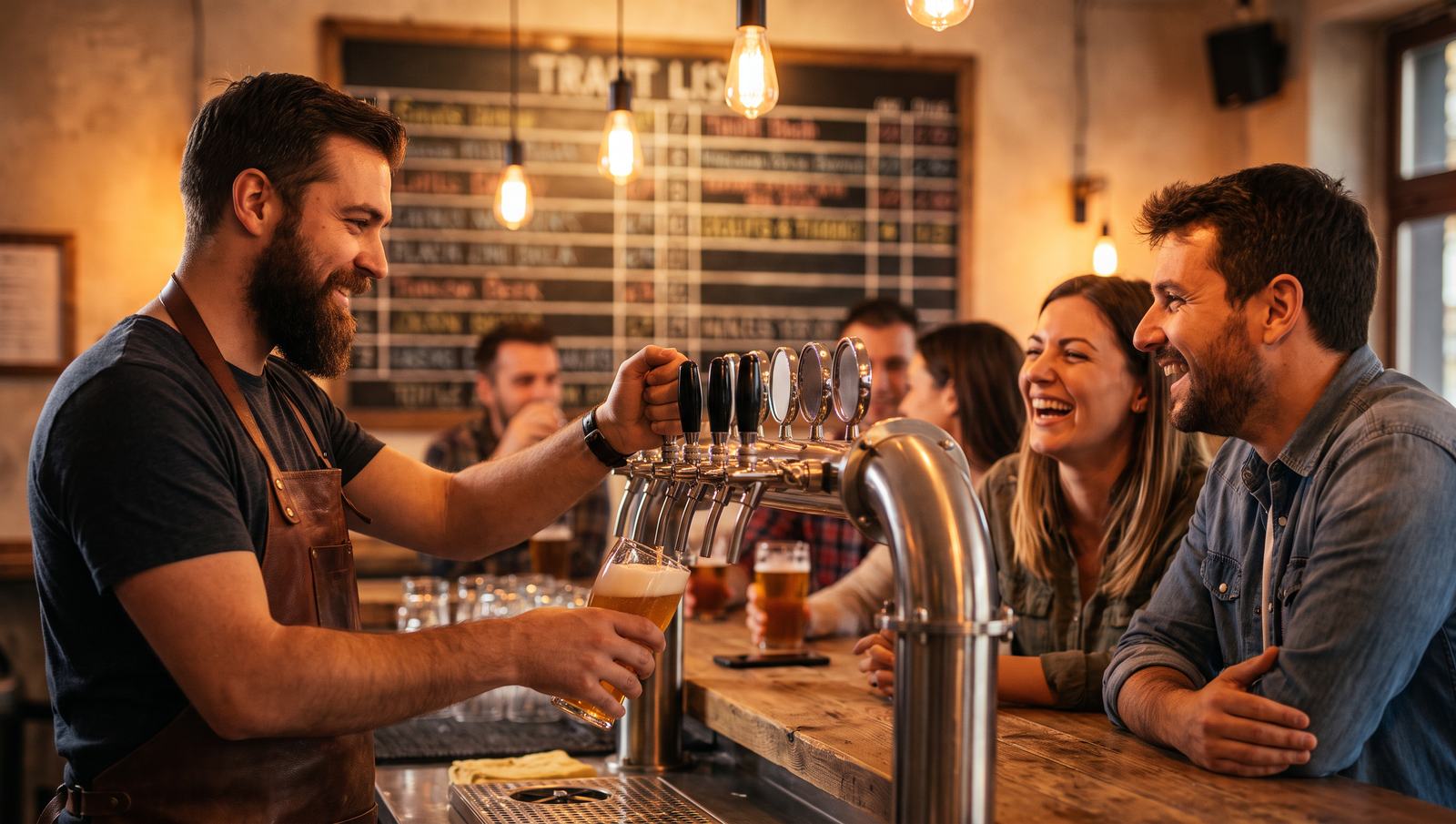
Illustration: the guest opens the drinks menu on their phone from the QR code on the pub table. They pick the beer, the 0.3 or 0.5 liter size and the quantity, then pay on their phone. The order goes to the bar printer already paid, with the table number, so the bartender doesn't take orders, only pours.
02Shared tab

Six people drank all night, and now everyone wants to pay separately.

One round is on one of them, the next on someone else. In the end you split it in your head while the queue grows, and if one item slips, someone overpays or a pint goes unpaid.

How Qriosum solves it

You split the table's bill the way the guests ask: by item or into equal parts.

From table six's bill, you move Bence's two IPAs and the nachos to a new bill: Bence pays by card, the others with SZÉP card or cash. They can split any way they like: if they share equally, half, a third or a quarter of the card amount goes to the terminal.

POS system: details

Bill splitting · table 6 · illustration

Tap an item and it moves to Bence's bill.

Table 67 items
Total11,330 Ft
By card, in equal parts1 × 11,330 Ft to the terminal
Bence0 items
  • Empty bill
Total0 Ft

Bence pays by card for the IPAs and the nachos. The rest of the table pays however they like: by item, in one go or in equal parts, one after another on the terminal.

Illustration: table 6's shared bill on the POS. Tapping items moves them to a new bill, so Bence pays for the two IPAs and the nachos separately by card. The group pays the rest of the table's items in one go or by card in equal parts, with the parts going to the terminal one after another.
03Keg and glass

The keg should give 60 pints. The POS saw 52.

Over-pouring, foam, a round on the house: a few centiliters per pint, which adds up to several pints per keg. Until you measure it, you don't even know how much goes down the drain.

How Qriosum solves it

Every glass sold comes off the keg at its own size.

A 0.3 l takes 0.3 liters off the 30-liter keg, a 0.5 l takes half a liter. If you put the draft beers on a quick stock count at day close, you enter what's left after closing and see the difference in liters, in pints and at purchase cost.

Inventory: details

Keg · House IPA 30 l · illustration

Every glass comes off at its own size.

Open
Keg · 30 l38 × 0.5 l + 12 × 0.3 l sold
Per the POS
Left per the POS
7.4 l
Quick count
after closing

Latest sales

  • Pint · table 6, QR−0.5 l
  • Glass · bar, Dani−0.3 l
  • Pint · bar, Kata−0.5 l
Illustration: a 30-liter IPA keg in stock. A 0.5-liter pint takes half a liter off the keg and a 0.3-liter glass takes 0.3 liters, so you see how much should be left per the POS. After closing, the actual amount entered in the quick count is less: the difference shows in liters, in pints and at purchase cost.
04Behind the bar

The round for friends goes out free, and there's no trace of it in the POS.

A round on the house, a discount nobody asked for, a voided receipt. If everyone works under the same login, you never find out who gave it or for how much.

How Qriosum solves it

Every bartender gets their own PIN, with a discount cap and void rights set by role.

In the Bartender role, the maximum discount is 10%, and the system checks it again when it saves. Only the Store Manager can void, and you see sales per staff member too.

Team and permissions: details

POS · PIN and role · illustration

Same round, different rights.

Who logged in with a PIN?

Regulars' table · 4 guestson Dani
4× Komló Pils 0.5 l4,760 Ft
Amount due4,760 Ft

Today by staff member

  • Dani184,600 Ft
  • Kata97,300 Ft
  • QR orders126,900 Ft

An item counts for whoever rang it up. Orders from the QR code aren't tied to a staff member.

Illustration: the POS offers two staff members to choose from, and each logs in with their own PIN. Dani, in the Bartender role, can give at most a 10% discount and can't void. Kata, as Store Manager, can do both. Below, today's sales show per staff member.
05Happy hour

At four you change the prices. At six someone forgets to change them back.

Happy hour brings in the early crowd. But if you run it by hand, the bartender has to do the math in their head, or the beer sells at the discount price all night.

How Qriosum solves it

The promotion runs in a time window: it starts on its own and stops on its own.

On weekdays between 16:00 and 18:00, draft beer is 20% off at the POS and in the QR menu. After that the receipt shows the regular price again, and nobody has to touch anything.

Loyalty program: details

Promotion · Mon-Fri 16:00-18:00 · illustration

Starts at four, stops at six. On its own.

Happy hour on
16:30

POS · table 4

  • 3× Komló Pils 0.5 l3,570 Ft
  • 1× House IPA 0.5 l1,790 Ft
  • 1× Salted pretzel890 Ft
  • Happy hour, draft beer −20%−1,072 Ft
Amount due5,178 Ft

QR menu · on the guest's phone

Komló Pils 0.5 lPils · 4.8%−20%
952 Ft1,190 Ft

Same promotion, same time window.

Illustration: a happy hour promotion gives 20% off draft beer Monday to Friday between 16:00 and 18:00. Changing the day and the time shows that inside the window the promotion applies on its own at the POS and in the guest's QR menu, while before, after and on weekends the regular price applies.
06Match night

Sales jump on match nights. Do you need a third bartender, or will it just cost you?

Big nights sell the most beer, and that's when it's easiest to staff the bar wrong. Going by feel, you have either too few people or too many, and both cost money.

How Qriosum solves it

You see what sells and when, hour by hour, and compare days.

You compare Wednesday's match night with the previous, ordinary Wednesday: you see in which hour sales jump, how much beer sells and how big the average receipt is. That is how you staff the bar for the next match.

Reports: details

Report · hourly · illustration

Wednesday with a match and Wednesday without.

Daily sales
459,700 Ft
+97% vs. ordinary Wednesday
Receipts
199
Average receipt
2,310 Ft
+7% vs. ordinary Wednesday
Peak hour
21:00

Best seller: Komló Pils 0.5 l · 164 sold

Sales by hour

Kickoff at 21:00. Tap an hour for details.

21:00-22:00

  • Match night104,300 Ft · 44 receipts
  • Ordinary Wednesday36,100 Ft · 16 receipts
Illustration: a pub's hourly sales on two Wednesdays, from 16:00 to midnight. On the ordinary Wednesday sales are steady; on match night they jump several times over around the 21:00 kickoff. Tapping an hour shows its sales and number of receipts, and above are the daily sales, number of receipts, average receipt and peak hour.
02. Untappd integration
Untappd

Your Untappd beer menu updates itself.

Beer fans check Untappd to see what's on tap. Qriosum connects your POS to your Untappd for Business menu: whatever you change in Qriosum changes there too, so you don't keep your tap list in two places.

  • Add a beer with one searchIn the product editor you search Untappd for the beer, and the name, description, label image, brewery, style, ABV and IBU, rating and origin fill in. Serving sizes come with their prices from your Untappd menu.
  • Change the price in one placeWhen you change a serving size's price in Qriosum, it changes on your Untappd menu too. A new serving size is added, a deleted one is removed.
  • What's sold out comes off the menuIf you switch a beer off at the POS, or you track its stock and the keg runs empty, it comes off your Untappd menu. With a new keg it goes back on, and new beers you added from Untappd also go into the Untappd menu section you linked their category to.

The connection needs an Untappd for Business account: you link it with your email address and API key, then pick your venue.

A bearded bartender pours an amber craft beer from the taps while a group of friends laughs at the bar, with a chalkboard beer list and Edison bulbs behind them

Keep the beer cold. Keep the numbers right.

Taps, tables, shared tabs: every pint accounted for, from keg to receipt.

03. Getting started

Three steps to the first pour

You don't get a project. You get a working system before next Friday comes around.

  1. Step 1

    Demo

    In one hour we show you live how it would work for you, with your own taps and tables.

  2. Step 2

    Setup

    Beers in 0.3 l and 0.5 l sizes, kegs in liters, tables and QR codes. We build the first configuration together with you.

  3. Step 3

    Go live

    We train your bartenders, and you can reach us during the first busy nights if questions come up.

0.00/5Guest rating
0+Partner venues
0+Orders served

Real numbers from Qriosum partners

04. The package

What exactly do you get?

Everything a pub or beer bar needs to run day to day, in one account.

  • POS at the bar, QR ordering from the table
  • Tables, shared tabs, bill splitting
  • Keg stock in liters, deducted glass by glass
  • Own PIN and role for every bartender
  • Happy hour and promotions with time windows
  • Reports by hour, day and product
  • Untappd menu in sync with the POS
  • Reporting to NTAK, Hungary's national hospitality data reporting system, in the background
  • Support in Hungarian from day one
05. Questions

Frequently asked questions

I change my draft beers often. How much work is it to update?

Almost none. When a beer runs out, the bartender switches it off at the POS with one tap, and it shows as unavailable in the guest's QR menu too. If you track the keg in stock and don't let it go negative, the beer from an empty keg shows as sold out on its own.

Does it update my beer menu on Untappd too?

Yes, if you have an Untappd for Business account. You link a Qriosum category to an Untappd menu section, and from then on the prices and serving sizes set in Qriosum go across, and a switched-off or sold-out beer comes off the menu.

Does it need internet?

Yes. Qriosum runs in the browser and there's no server on site, but you can't sell without internet. If the Wi-Fi drops out, a phone hotspot is enough.

Does it work with my cash register?

It works with a fiscal printer and with a two-way cash register. For that you need the Qriosum Android app or a small Windows helper program at the counter. At the demo we look at what you have and what you'd need.

Do guests have to download an app?

No. The QR code opens in the browser, with no download or sign-up.

Does it handle NTAK too?

Yes. Sales go to NTAK in the background, and the daily NTAK close is part of the day close.

How much does it cost?

At the demo you get an offer tailored to your pub, based on its size and needs.

Contact

Let's talk.

Got a question, or want to see it live? Book a free online demo, or write to us! We run hospitality venues ourselves, and we test the system in our own bar too. You get fast, personal, clear help straight from us, not through a ticket system.

Online demo

Book a time

In an online demo we show you what the system could do for you. Ask us anything.

  • 60 minutes
  • Google Meet
  • Budapest time

Pick a day and a time

Loading available times…
Message

Want to know more?

Leave a message, and we'll get back to you as soon as we can.

I accept the privacy policy*